Diagram of a Proxmox host with a GPU-backed Ollama container, Open WebUI, a dev VM and Home Assistant

Local AI on Proxmox: The Complete Homelab Guide (2026)

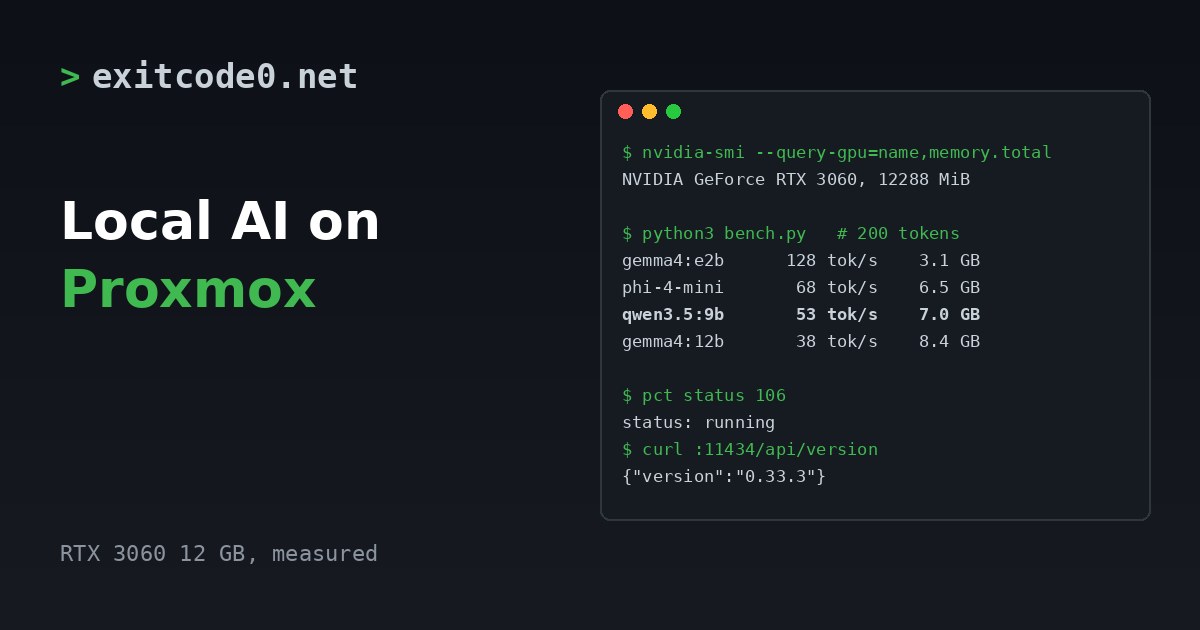
Everything AI-related on this site runs on one Proxmox host in a cupboard. A GPU in an LXC container serves Ollama, a web front end sits on a VM next to it, Home Assistant talks to local speech models for voice, and my coding agents work from an always-on VM that I reach over Tailscale. None of it costs per token, none of it leaves the house, and the whole stack has survived every host reboot since I built it. ...

November 10, 2026 · 11 min · Tom Cocking

Running Ollama in a Proxmox LXC with NVIDIA GPU Passthrough

Running large language models locally is genuinely useful — no API costs, no rate limits, and your data stays on your own hardware. The catch is getting GPU acceleration working inside a Proxmox LXC container, which involves a few non-obvious steps around driver installation and cgroup device passthrough. Why LXC and not a VM? VM GPU passthrough wasn’t an option here — no iGPU meant the host would have had no display output once the card was handed off. LXC was the practical solution, and it turns out to be a good one anyway: containers share the host kernel directly, so the GPU stays bound to the host’s NVIDIA driver and the container accesses it via bind-mounted device nodes and cgroup permissions. On top of that, LXCs are lighter weight than VMs, with less overhead and near-instant startup times. For a dedicated service like Ollama, it’s a solid fit. ...

March 22, 2026 · 11 min · Tom Cocking