Black 10.1 inch Android photo frame showing a stock photo of a man holding a child, beside the title Photo frame to Home Assistant dashboard

Turn a £50 Android Photo Frame Into a Home Assistant Dashboard: Root From Windows, Then Fully Kiosk

Wes Bos put out a video about rooting a $50 Amazon photo frame and running a family dashboard on it. The frames are Android tablets with a vendor app bolted on, and his photo-frame-dashboard repo is written so you can point a coding agent at it and let it do the fiddly bits. I wanted the same thing for Home Assistant, so I ordered the UK listing of the frame he linked and spent a day on it with Claude Code. ...

October 13, 2026 · 15 min · Tom Cocking
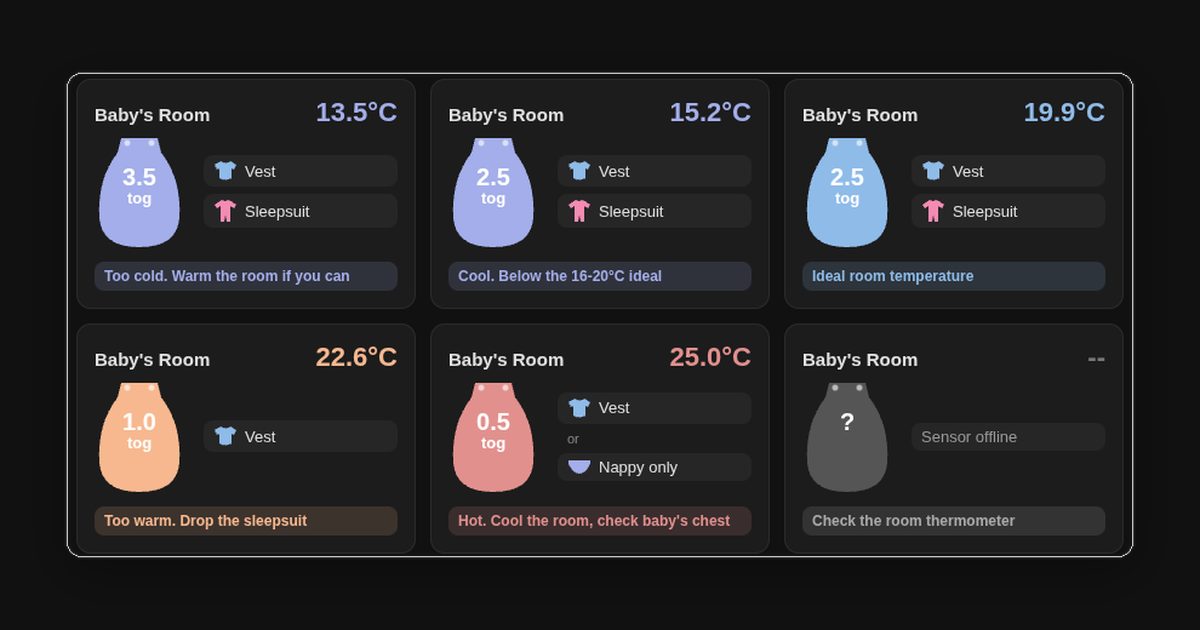
Six Home Assistant cards showing a sleeping bag icon with its tog rating, the clothes to wear under it, and a coloured status line for room temperatures from 13.5°C to 25°C

How to Build a Baby Sleep Tog Widget in Home Assistant with button-card

With a baby in the house, the question at bedtime is always the same: which sleeping bag, and what goes under it? The usual answer is a room thermometer and a tog chart, which means reading one, then looking up the other, often in the dark. Home Assistant already had a temperature sensor in every room, so I got it to do the lookup. The result is one card per room. It shows the temperature, a sleeping bag in the band’s colour with its tog on it, the clothes to put underneath, and a status line saying whether the room is in the safe range. It’s a single button-card template, so the temperature bands are defined once and every room uses them. ...

September 27, 2026 · 11 min · Tom Cocking
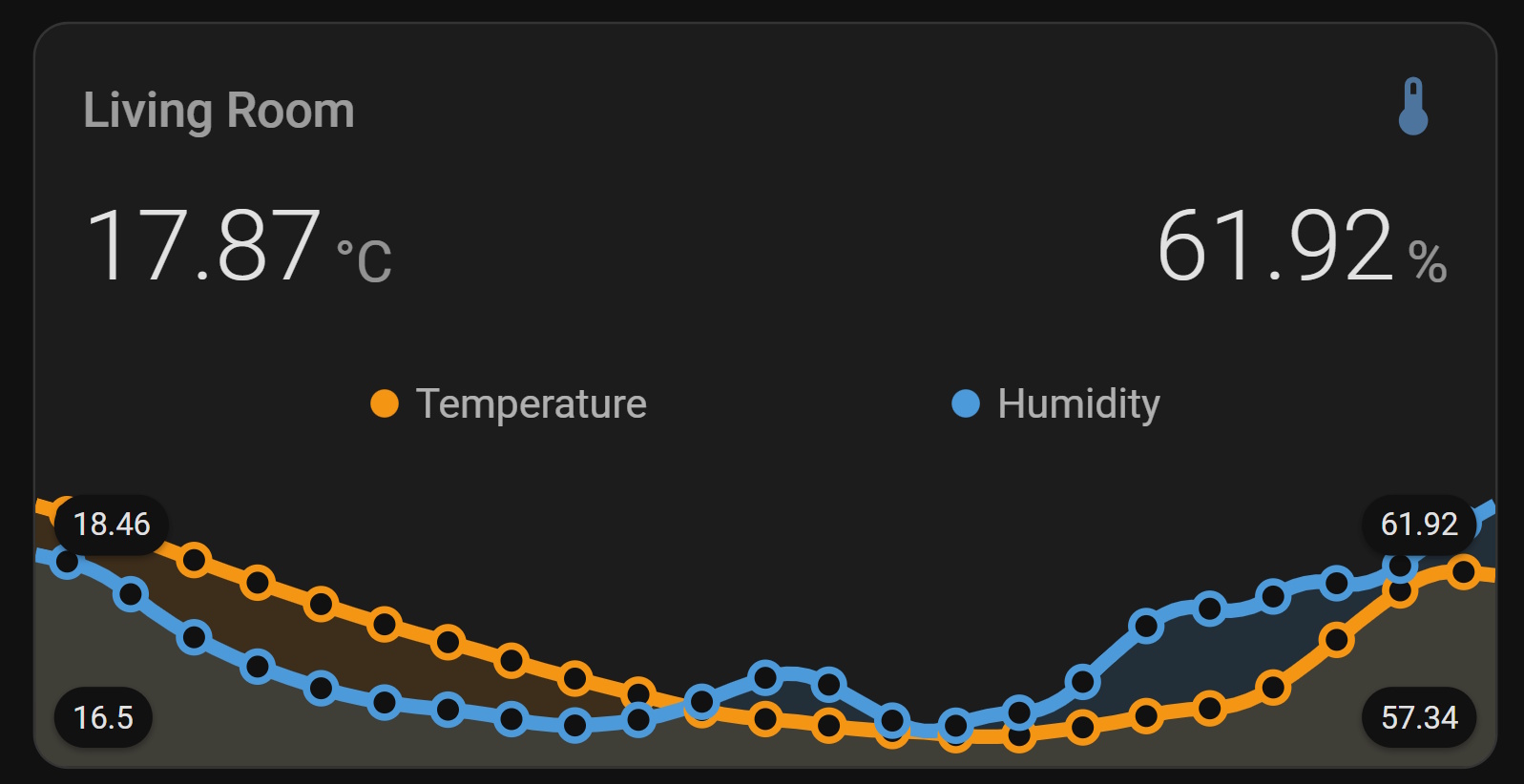
SwitchBot temperature and humidity sensor displayed on a Home Assistant dashboard using mini-graph-card

Visualising Temperature and Humidity in Home Assistant with Mini Graph Card

Home Assistant’s built-in history graph and gauge cards get the job done, but they’re fairly plain. Mini Graph Card by kalkih is one of those HACS cards that immediately makes your dashboard look like something you’d actually want to show people - dynamic colour thresholds, dual Y-axes, configurable aggregation, and a clean minimal design. In this post I’ll walk through installing it via HACS, then build up a card that shows SwitchBot temperature and humidity data with colour-coded thresholds and both sensors on the same tile. If you’ve not yet got your SwitchBot sensors talking to Home Assistant, start with my earlier post on ESPHome Bluetooth proxies - that covers the sensor setup end to end. ...

May 7, 2026 · 6 min · Tom Cocking
Setting Up a SwitchBot BLE Thermo-Hygrometer in Home Assistant with ESPHome bluetooth_proxy

Home Assistant With ESPhome Bluetooth Proxies

In this blog post, I’ll walk you through how I set up a SwitchBot BLE (Bluetooth Low Energy) Indoor/Outdoor Thermo-Hygrometer in Home Assistant (HA) using an ESP32 running ESPHome as a Bluetooth proxy. If you’re working with Home Assistant in a containerized environment (as I am), you might face challenges with Bluetooth connectivity, in particular, passing through a bluetooth adapter. This approach solves that elegantly and opens the door to other Bluetooth-based projects by providing extended bluetooth connectivity over a WiFi backbone. ...

January 8, 2025 · 5 min · Tom Cocking
A simple no neutral wiring diagram guide for the Sonoff ZBMINIL2 and how to retain the standard switch

Sonoff ZBMINIL2 Wiring Guide: No Neutral, Keep the Existing Wall Switch

Updated October 2026: added the direct answer, a terminal table, the neutral question, switch types and pairing, a troubleshooting section and the agent handoff block. The video and the original diagram are unchanged. The Sonoff ZBMINIL2 (Amazon) is a Zigbee relay that fits behind a UK light switch and needs no neutral at the switch. Wire it in series with the switched live and connect the existing rocker switch to S1 and S2, and the light works from the wall switch, from Home Assistant, or both. The whole job is four terminals, and the only trap is that the blue wire in the switch drop is a live, not a neutral. ...

September 26, 2024 · 6 min · Tom Cocking
Feeding My Cat With Home Assistant

Feeding My Cat With Home Assistant

Let’s face it, cats are demanding creatures. They expect their food to be served on time, and they’re not afraid to let you know when it’s late. But what if you trigger the feeding action to our Home Assistant dashboard? In this post, we’ll explore how to use Home Assistant to control a Tuya-compatible cat feeder, ensuring your feline friend never goes hungry. Get ready to unleash the power of automation and give your cat the royal treatment they deserve! ...

July 3, 2024 · 4 min · Tom Cocking
How to write Python scripts using llama3-8b and LM Studio

Using an Amazon FireHD8 as a Home Assistant Dashboard Control Panel

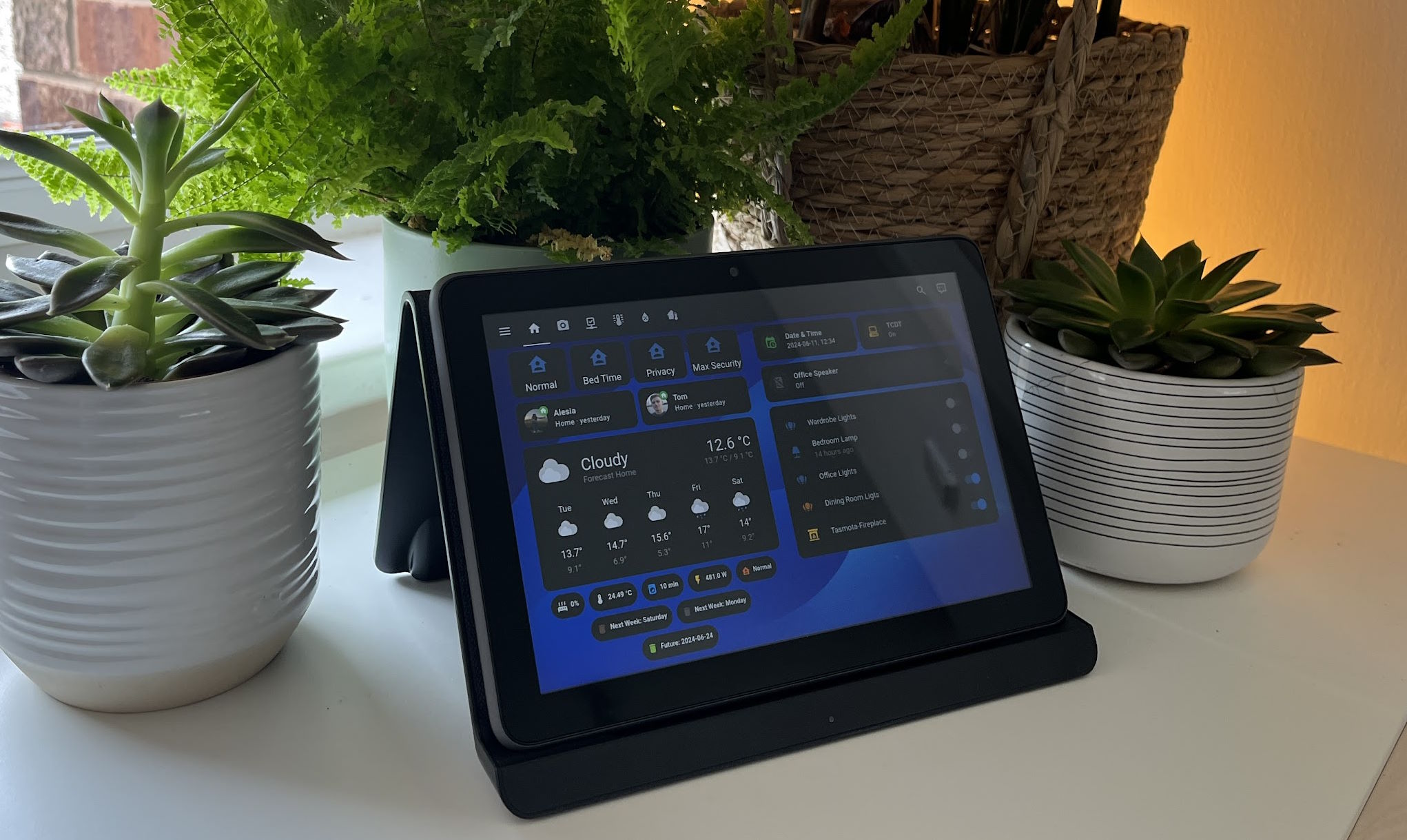
I have covered Home Assistant (HA) content a number of times in previous posts, and am I a strong advocate for this project. The home automation scene is a wash with consumer offerings, but no single silicone valley big hitter has managed to provide a fully interoperable solution; most certainly not an affordable one. Ultimately, everyone has there own idea of how home automation should work. Home Assistant doesn’t solve the problem of standards dilution, but it offers an extremely robust way to tie the wide variety of standards and products together. ...

June 11, 2024 · 9 min · Tom Cocking

Home Assistant HTTPS Certificates with Tailscale, Traefik and CoreDNS

In previous posts, I’ve explained how to use Tailscale’s MagicDNS and HTTPS certificate feature to generate a TLS cert for your Home Assistant install: Homeassistant Enable MagicDNS and HTTPS Certificates in Tailscale. That setup required you to reformat the TLS cert and copy it to the Home Assistant container… it wouldn’t be to much of a task to automate those actions, but fortunately there is now a superior method of applying and renewing a Tailscale cert for HASS (and many other self-hosted services). Let us dig in to that… ...

January 7, 2024 · 6 min · Tom Cocking

Wyoming Piper Docker Compose: Local Text-to-Speech for Home Assistant

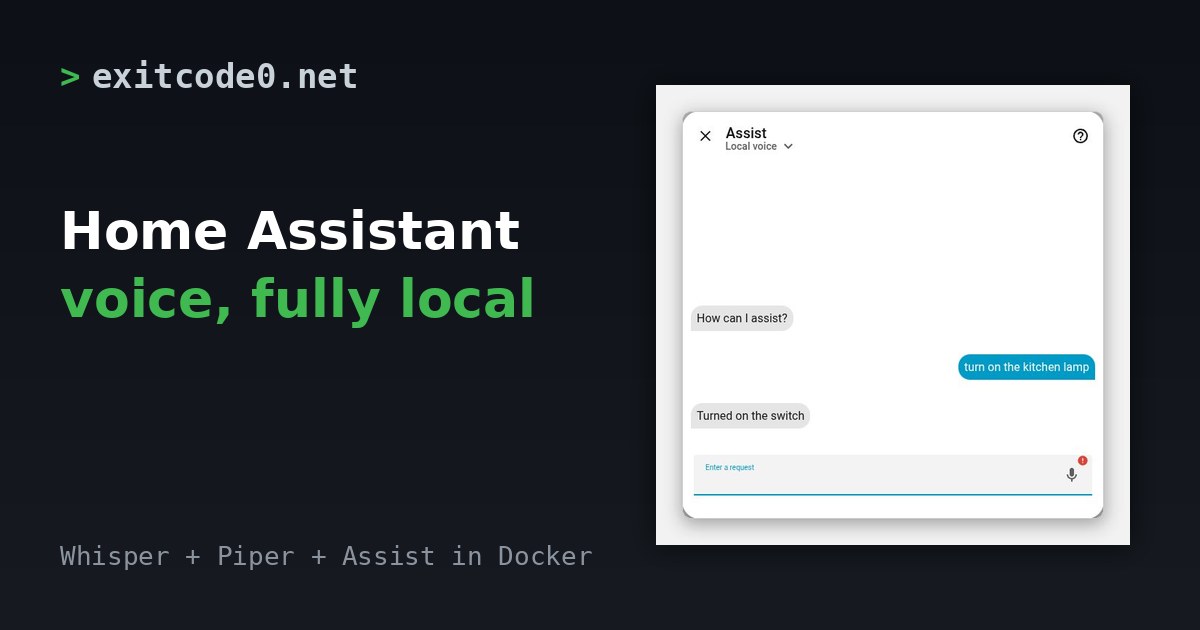
Updated October 2026: I re-tested this on 8 October 2026 against the current rhasspy/wyoming-piper image and corrected three things I got wrong in 2023. Piper is text-to-speech, not speech recognition. Port 10200 isn’t a web interface. And voices are now named like en_GB-alba-medium. The compose file also no longer needs a version line. The Home Assistant steps are unchanged from the original and I haven’t re-run them on a current release. ...

May 16, 2023 · 6 min · Tom Cocking

Wyoming Whisper Docker Compose: Local Speech-to-Text for Home Assistant

Updated October 2026: I re-tested this on 8 October 2026 against the current rhasspy/wyoming-whisper image. The compose file no longer needs a version line, the default model is now small-int8 instead of medium-int8, and there’s a table of measured model speeds, a test script and a troubleshooting section. The Home Assistant steps come from my original post. I haven’t re-run them on a current Home Assistant release. Wyoming Whisper is the speech-to-text half of a fully local Home Assistant voice assistant. It wraps faster-whisper, a fast implementation of OpenAI’s Whisper models, and Home Assistant talks to it over the Wyoming protocol. The text-to-speech half is Wyoming Piper. ...

May 11, 2023 · 8 min · Tom Cocking