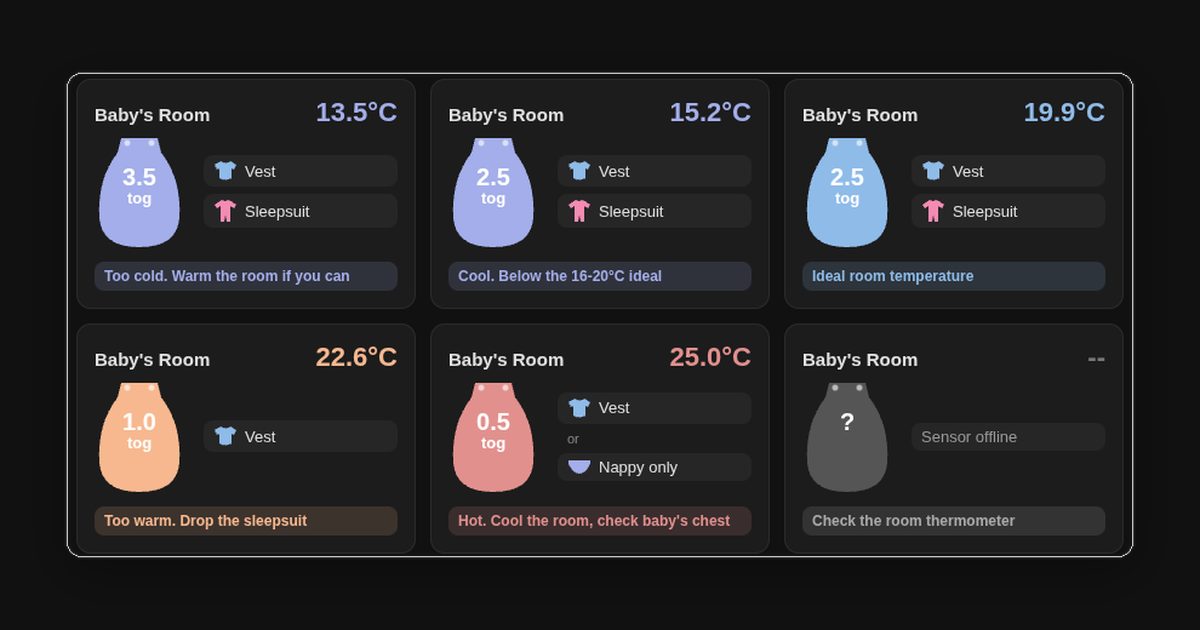
Six Home Assistant cards showing a sleeping bag icon with its tog rating, the clothes to wear under it, and a coloured status line for room temperatures from 13.5°C to 25°C

How to Build a Baby Sleep Tog Widget in Home Assistant with button-card

With a baby in the house, the question at bedtime is always the same: which sleeping bag, and what goes under it? The usual answer is a room thermometer and a tog chart, which means reading one, then looking up the other, often in the dark. Home Assistant already had a temperature sensor in every room, so I got it to do the lookup. The result is one card per room. It shows the temperature, a sleeping bag in the band’s colour with its tog on it, the clothes to put underneath, and a status line saying whether the room is in the safe range. It’s a single button-card template, so the temperature bands are defined once and every room uses them. ...
27 September 2026 · 11 min · Tom
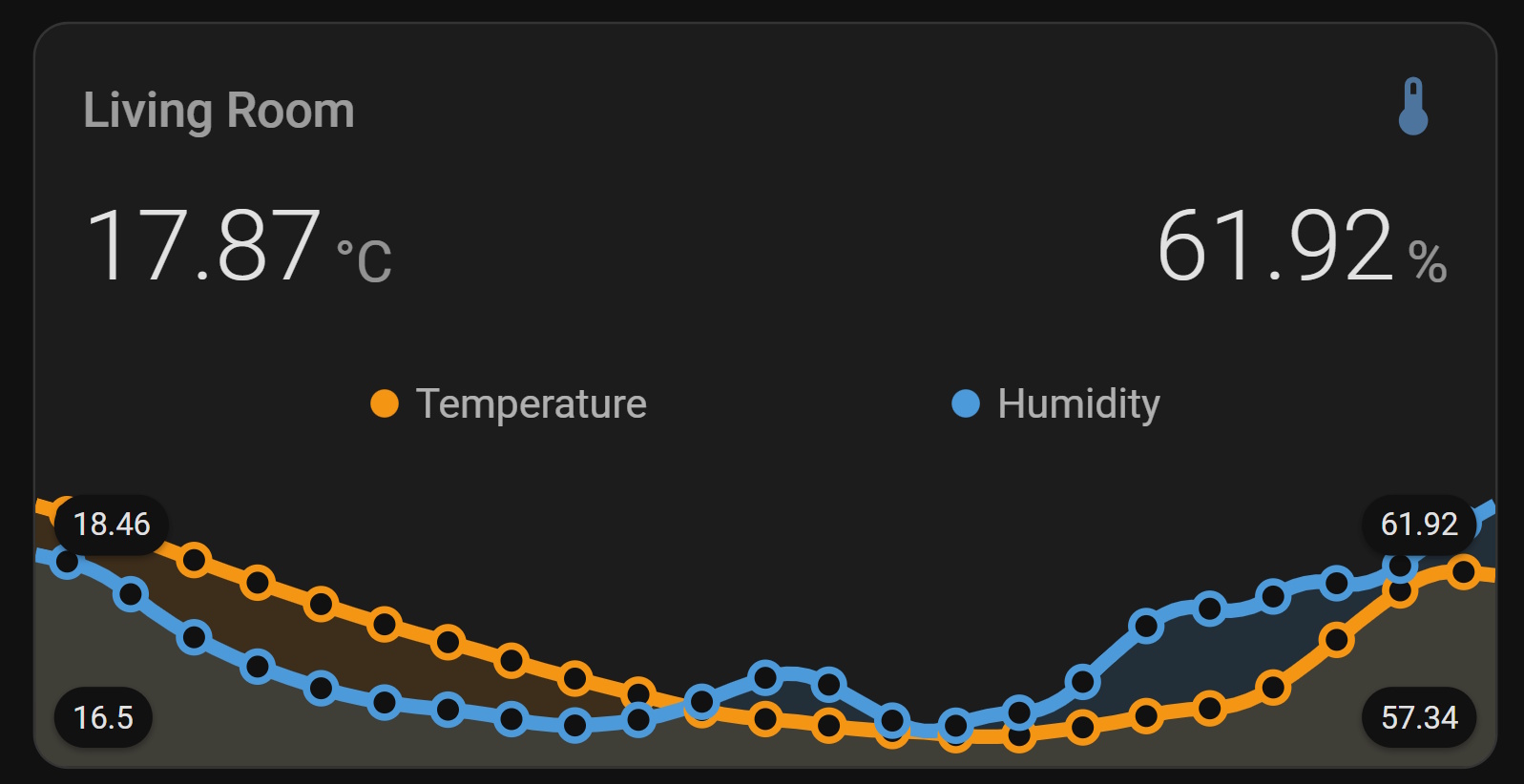
SwitchBot temperature and humidity sensor displayed on a Home Assistant dashboard using mini-graph-card

Visualising Temperature and Humidity in Home Assistant with Mini Graph Card

Home Assistant’s built-in history graph and gauge cards get the job done, but they’re fairly plain. Mini Graph Card by kalkih is one of those HACS cards that immediately makes your dashboard look like something you’d actually want to show people - dynamic colour thresholds, dual Y-axes, configurable aggregation, and a clean minimal design. In this post I’ll walk through installing it via HACS, then build up a card that shows SwitchBot temperature and humidity data with colour-coded thresholds and both sensors on the same tile. If you’ve not yet got your SwitchBot sensors talking to Home Assistant, start with my earlier post on ESPHome Bluetooth proxies - that covers the sensor setup end to end. ...

7 May 2026 · 6 min · Tom