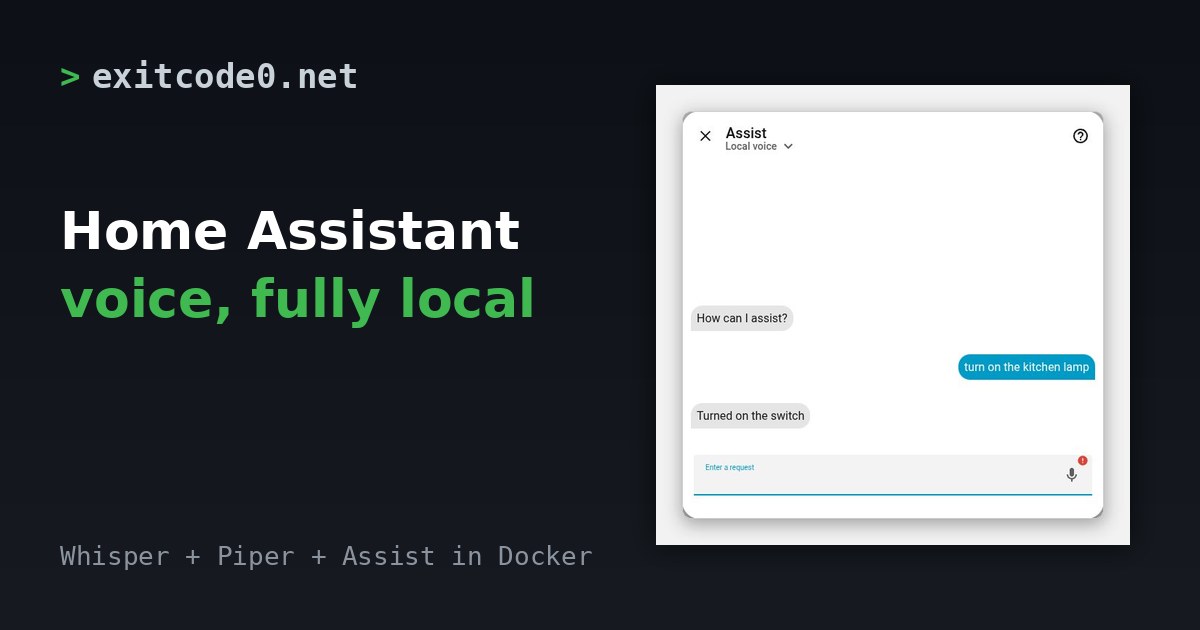
Home Assistant Assist dialog showing the command 'turn on the kitchen lamp' and the reply 'Turned on the switch', next to the title Home Assistant voice, fully local

Home Assistant Local Voice Assistant with Whisper and Piper in Docker

A Home Assistant voice assistant needs three parts. Something to turn speech into text, something to turn a reply back into speech, and Assist in the middle to work out what you meant. The first two can run on plain CPU in Docker, so nothing you say has to leave the house. I built the whole stack from scratch on 11 October 2026 on Home Assistant 2026.10.1, ran text and spoken commands through it, and timed the result. This post has the compose file, the settings, the numbers and the two things that tripped me up. ...

October 20, 2026 · 6 min · Tom Cocking

Python Development in Docker Containers

Docker Compose is a powerful tool that allows developers to define and manage multi-container applications. In this blog post, we will explore a Docker Compose file for developing Python applications. Specifically, we will analyze the following Docker Compose file: version: '3' services: mypthontool: image: python:3.9 volumes: - ./:/app/ tty: true Now all that is left to do is bring the container online with docker compose up -d and access the bash terminal in the container to run our code in a repeatable environment using docker exec -it <container name> /bin/bash. ...

January 7, 2024 · 4 min · Tom Cocking

Automating Postgres Deployment with Docker Compose and Init Scripts

Introduction to Running PostgreSQL in a Docker Container using Docker Compose In this blog post, we will explore how to run PostgreSQL in a Docker container using Docker Compose. We will also break down and explain the init-user-db.sh script that is executed at startup to initialize the PostgreSQL tables. Running PostgreSQL in a Docker container provides several benefits, including ease of deployment, portability, and isolation. So let’s dive in and understand the process! ...

January 6, 2024 · 5 min · Tom Cocking

Wyoming Piper Docker Compose: Local Text-to-Speech for Home Assistant

Updated October 2026: I re-tested this on 8 October 2026 against the current rhasspy/wyoming-piper image and corrected three things I got wrong in 2023. Piper is text-to-speech, not speech recognition. Port 10200 isn’t a web interface. And voices are now named like en_GB-alba-medium. The compose file also no longer needs a version line. The Home Assistant steps are unchanged from the original and I haven’t re-run them on a current release. ...

May 16, 2023 · 6 min · Tom Cocking

Wyoming Whisper Docker Compose: Local Speech-to-Text for Home Assistant

Updated October 2026: I re-tested this on 8 October 2026 against the current rhasspy/wyoming-whisper image. The compose file no longer needs a version line, the default model is now small-int8 instead of medium-int8, and there’s a table of measured model speeds, a test script and a troubleshooting section. The Home Assistant steps come from my original post. I haven’t re-run them on a current Home Assistant release. Wyoming Whisper is the speech-to-text half of a fully local Home Assistant voice assistant. It wraps faster-whisper, a fast implementation of OpenAI’s Whisper models, and Home Assistant talks to it over the Wyoming protocol. The text-to-speech half is Wyoming Piper. ...

May 11, 2023 · 8 min · Tom Cocking

Running Uptime Kuma With Docker Compose

Introduction Uptime-Kuma is an open-source, self-hosted website monitoring tool. It can check the uptime and response time of websites, APIs, and other services at regular intervals and alert you if any of them go down. Uptime-Kuma can be installed on your own server and customized to suit your needs. In this article, we will explore how to set up and run Uptime-Kuma using Docker Compose. The Docker Compose File The following is the Docker Compose file for the Uptime-Kuma service: ...

May 1, 2023 · 2 min · Tom Cocking

Honeygain Docker Compose Setup: Run It on a Home Server

Updated October 2026: I re-tested the container on 8 October 2026. It’s now Honeygain CLI 0.9.0, every flag my original post used still exists, and the compose file below keeps your login out of the YAML. I also fixed the last command, which was wrong in the original. I didn’t log in with a real account for the test, so I haven’t re-checked what appears on the dashboard. This post contains my Honeygain referral link, which earns me a bonus if you sign up through it. ...

March 4, 2021 · 4 min · Tom Cocking