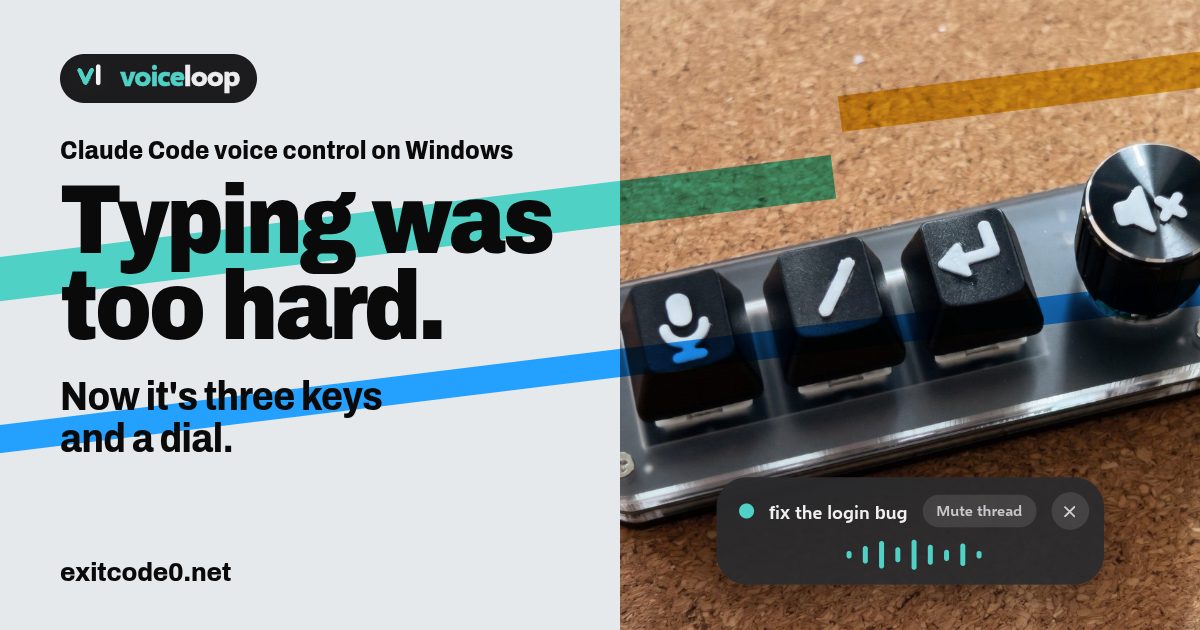
Social card reading 'Typing was too hard. Now it's three keys and a dial.' beside a photo of a 3-key macropad with a knob, its keys printed with microphone, slash and Enter symbols, and an on-screen pill showing voiceloop talking

Claude Code Voice Control on Windows: Dictate Prompts and Hear Replies Aloud

I run Claude Code on a dev VM and drive it from T3 Code on whatever I’m sat at. The dumb terminal post covers that setup. It works well until you have a few threads going, look away, and miss the one that’s been sitting on a question. So I wanted voice control in both directions: say the prompt, hear the reply. The catch is that Claude Code runs on a headless server, and the microphone and speakers are on my Windows PC. Claude Code’s own /voice needs a local microphone and only covers the talking-to-it half. I built the other half. voiceloop is a free, open-source Windows app that reads Claude Code’s replies aloud on your PC, wherever Claude Code is running. It lives at voiceloop.dev, with the code on GitHub. ...
November 10, 2026 · 13 min · Tom Cocking
Diagram of a Proxmox host with a GPU-backed Ollama container, Open WebUI, a dev VM and Home Assistant

Local AI on Proxmox: The Complete Homelab Guide (2026)

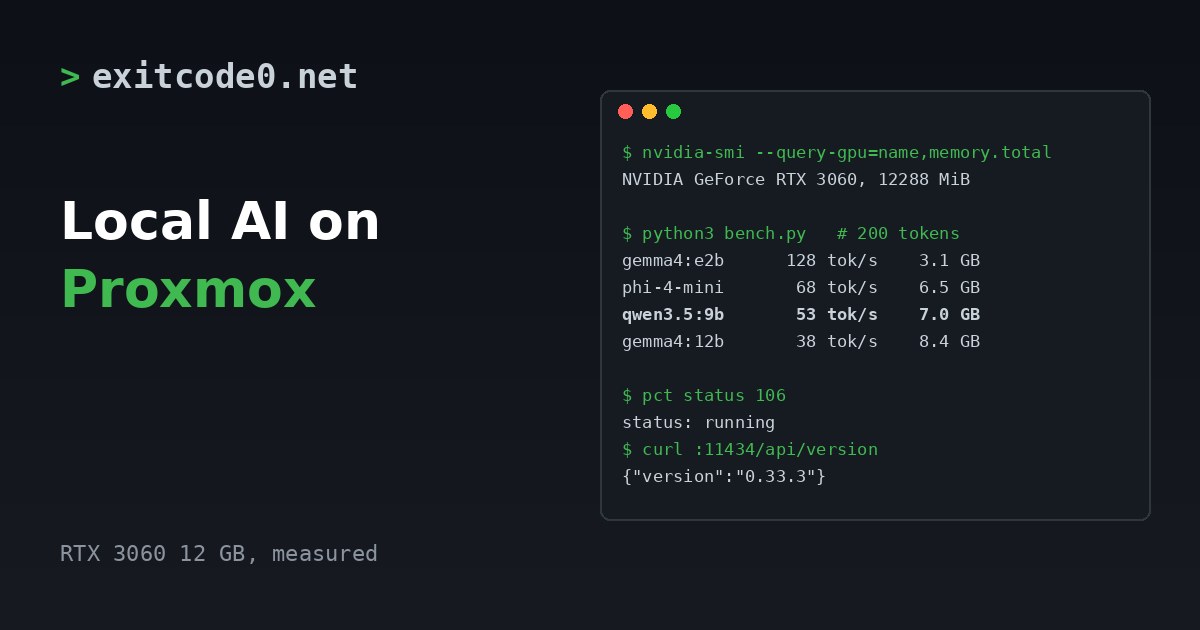
Everything AI-related on this site runs on one Proxmox host in a cupboard. A GPU in an LXC container serves Ollama, a web front end sits on a VM next to it, Home Assistant talks to local speech models for voice, and my coding agents work from an always-on VM that I reach over Tailscale. None of it costs per token, none of it leaves the house, and the whole stack has survived every host reboot since I built it. ...

November 10, 2026 · 11 min · Tom Cocking
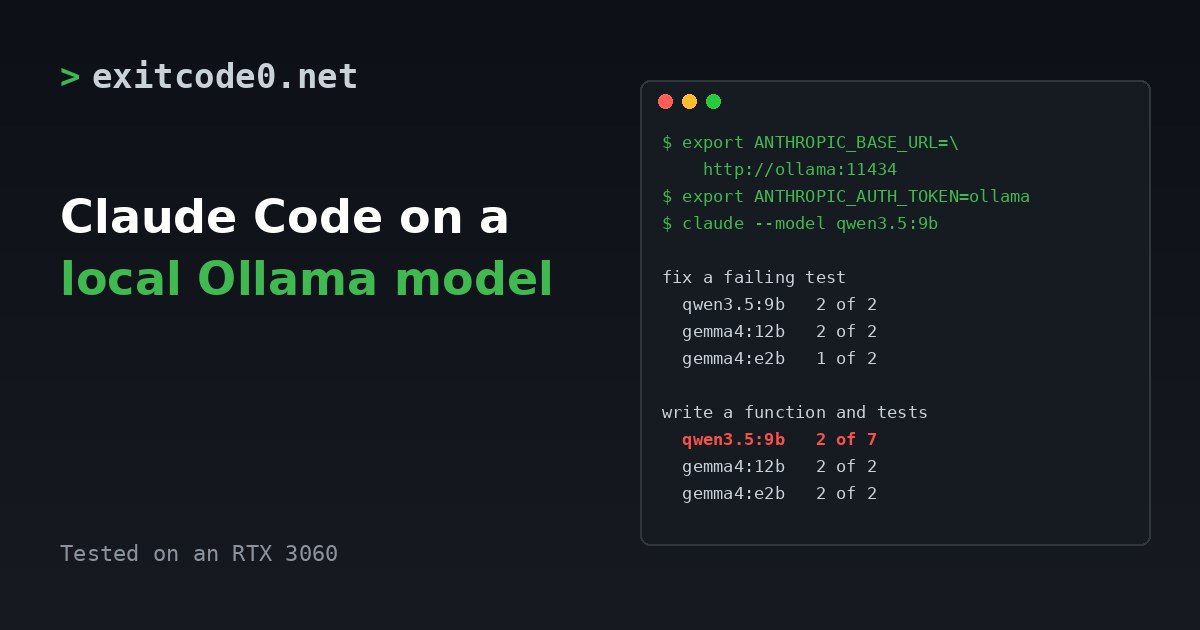
Terminal panel showing the environment variables for pointing Claude Code at Ollama and a results table for three local models on two coding tasks

Claude Code with a Local Ollama Model: Setup, and What a 12 GB GPU Can Do

Claude Code speaks the Anthropic API. Ollama now speaks it too. Point one at the other with three environment variables and Claude Code runs against a model on your own GPU. No API key, no per-token bill, and the prompts stay on your network. Whether it’s any good is a different question. I ran it against three models on an RTX 3060 with two small coding tasks each. One model did well at both. One was the best at one and the worst at the other. Treat what follows as a smoke test, not a benchmark, but the differences were big enough to matter. ...

November 6, 2026 · 8 min · Tom Cocking
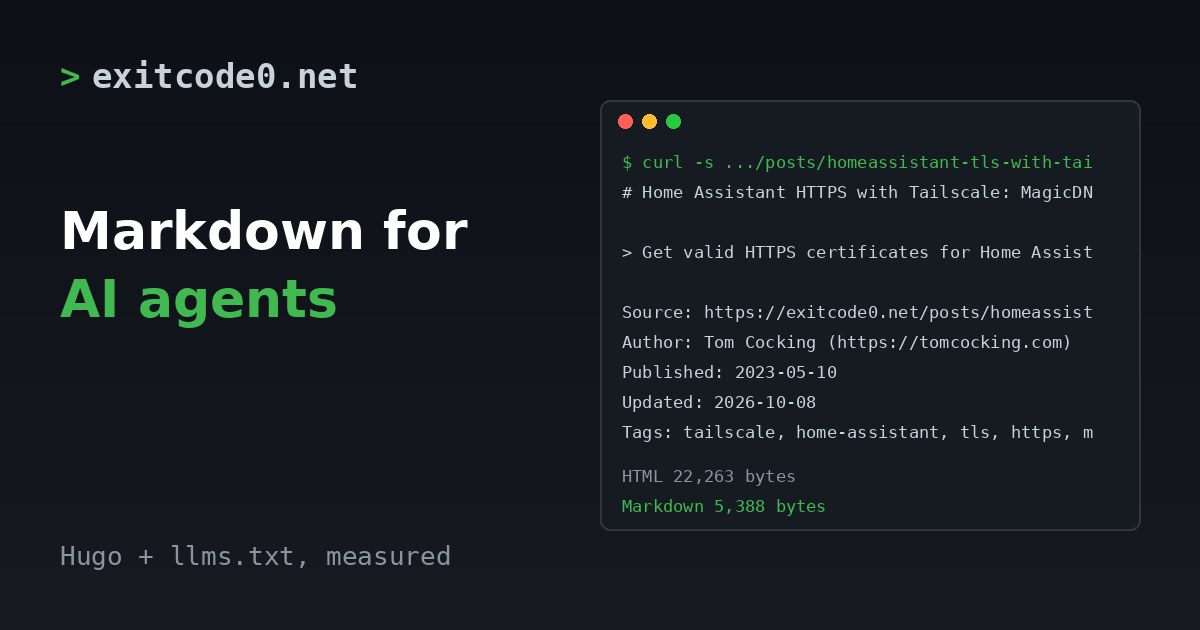
Terminal window showing a curl request returning the Markdown version of a blog post, with sizes of 22,263 bytes for the HTML and 5,388 bytes for the Markdown

Serve Markdown and llms.txt from Hugo So AI Agents Can Read Your Posts

More of my reading now goes through a coding agent. I ask it to fetch a page, and it works from whatever it gets back. For a blog that’s a problem. A typical post is 22 to 50 KB of HTML, wrapped around 5 to 17 KB of content. The agent has to pull the content out of the wrapper first. So I made every post on this site available as plain Markdown at the same URL with index.md on the end, and added an llms.txt that lists them. Both are Hugo output formats, about twenty lines in total. This post has the config, both templates, the sizes I measured on the live site and the things that bit me. ...

October 30, 2026 · 6 min · Tom Cocking
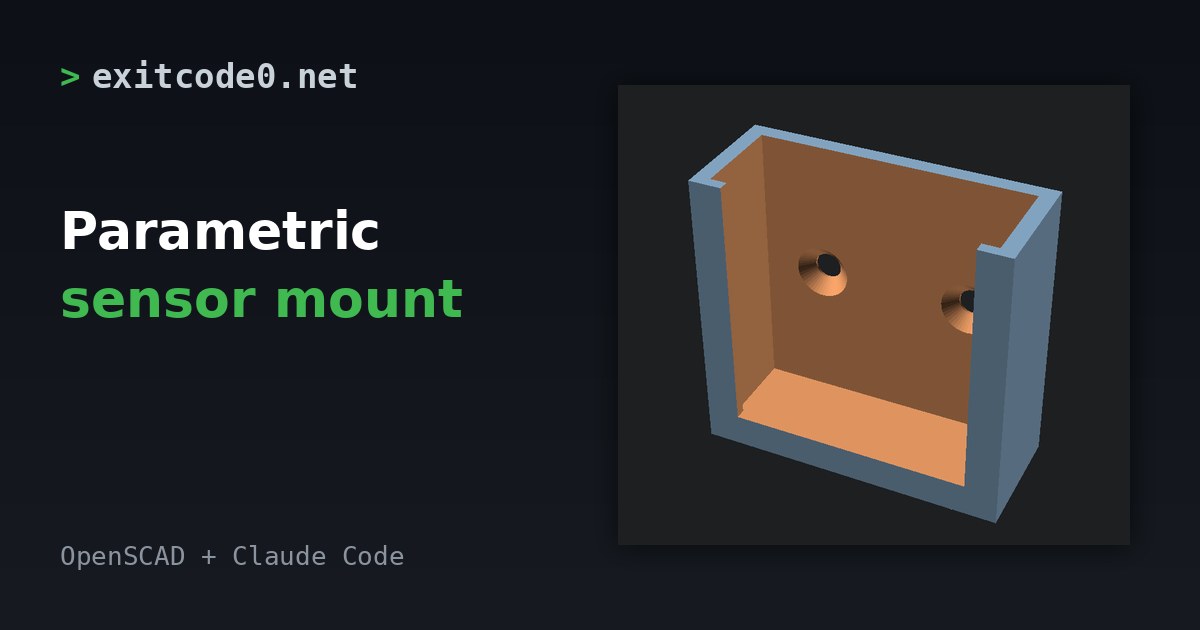
Rendered 3D model of a U-shaped wall bracket with two countersunk screw holes, next to the title Parametric sensor mount

Parametric Sensor Mount in OpenSCAD with Claude Code: A Home Assistant 3D Print

Small Zigbee and Bluetooth sensors tend to ship with a sticky pad and nothing else. The pad fails the first time you move house or the wall is cold and damp, and the sensor ends up behind the radiator. A printed bracket fixes that, but I’d rather not spend an evening in CAD for a plastic box. OpenSCAD is the opposite of CAD. The model is a text file, so Claude Code can write it, render it and check it in a loop. This post has the file I ended up with, the checks I ran, and the one that caught a mistake the obvious check missed. ...

October 27, 2026 · 6 min · Tom Cocking
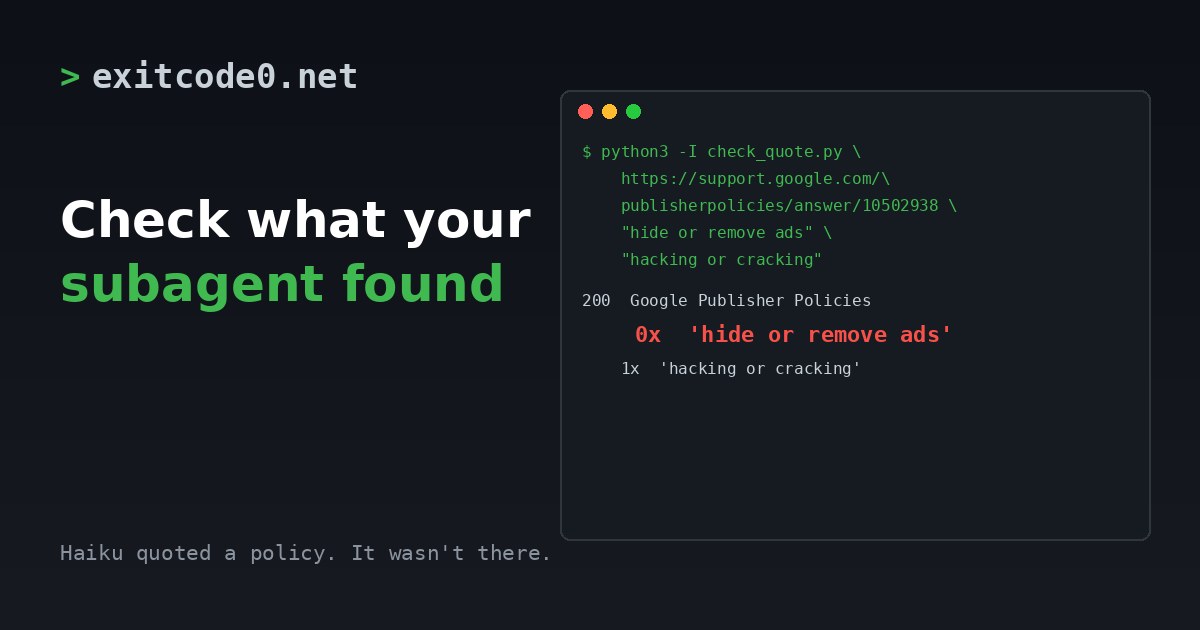
Terminal showing a script reporting zero matches for a quote a subagent claimed was on a Google policy page

How to Check a Cheap Claude Code Subagent's Research Before You Believe It

I handed two Claude Code subagents a research job. Both ran on Haiku to keep the cost down, and both came back with tidy tables, exact quotes and source URLs. Then I opened the sources, and a fair amount of what they’d told me was wrong. This post is what I found, and the small script I now use before acting on anything a cheap subagent tells me. What I asked them I had a Claude Code session working through SEO and AdSense compliance on this blog, and I spun two background subagents off it with the model set to Haiku: ...

October 23, 2026 · 6 min · Tom Cocking
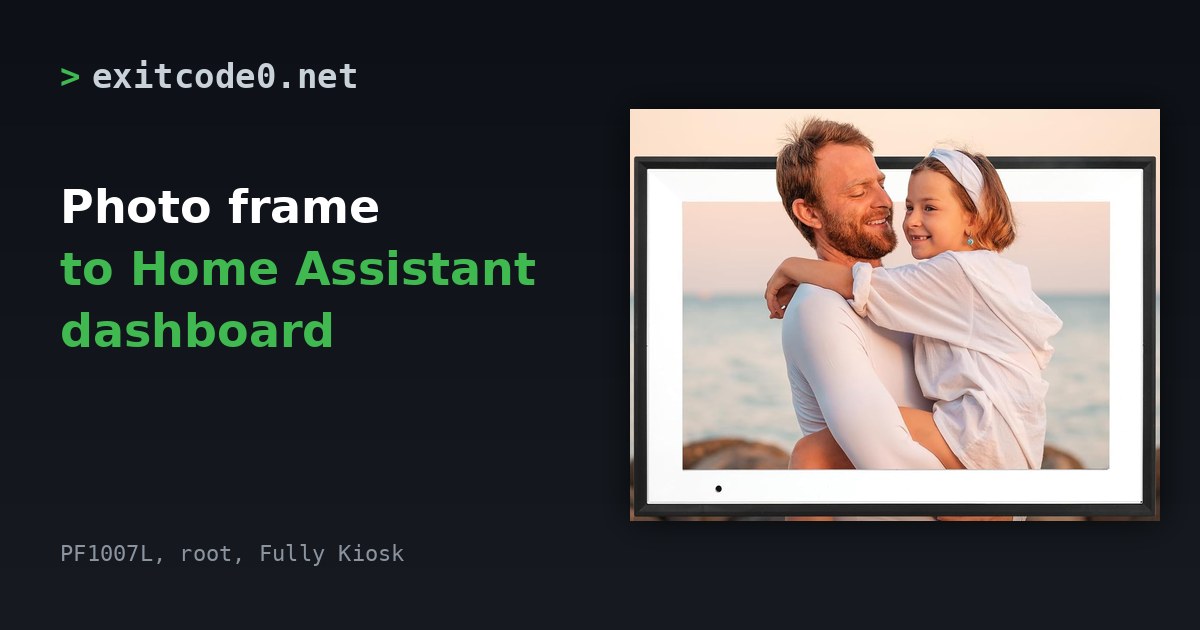
Black 10.1 inch Android photo frame showing a stock photo of a man holding a child, beside the title Photo frame to Home Assistant dashboard

Turn a £50 Android Photo Frame Into a Home Assistant Dashboard: Root From Windows, Then Fully Kiosk

Wes Bos put out a video about rooting a $50 Amazon photo frame and running a family dashboard on it. The frames are Android tablets with a vendor app bolted on, and his photo-frame-dashboard repo is written so you can point a coding agent at it and let it do the fiddly bits. I wanted the same thing for Home Assistant, so I ordered the UK listing of the frame he linked and spent a day on it with Claude Code. ...

October 13, 2026 · 15 min · Tom Cocking
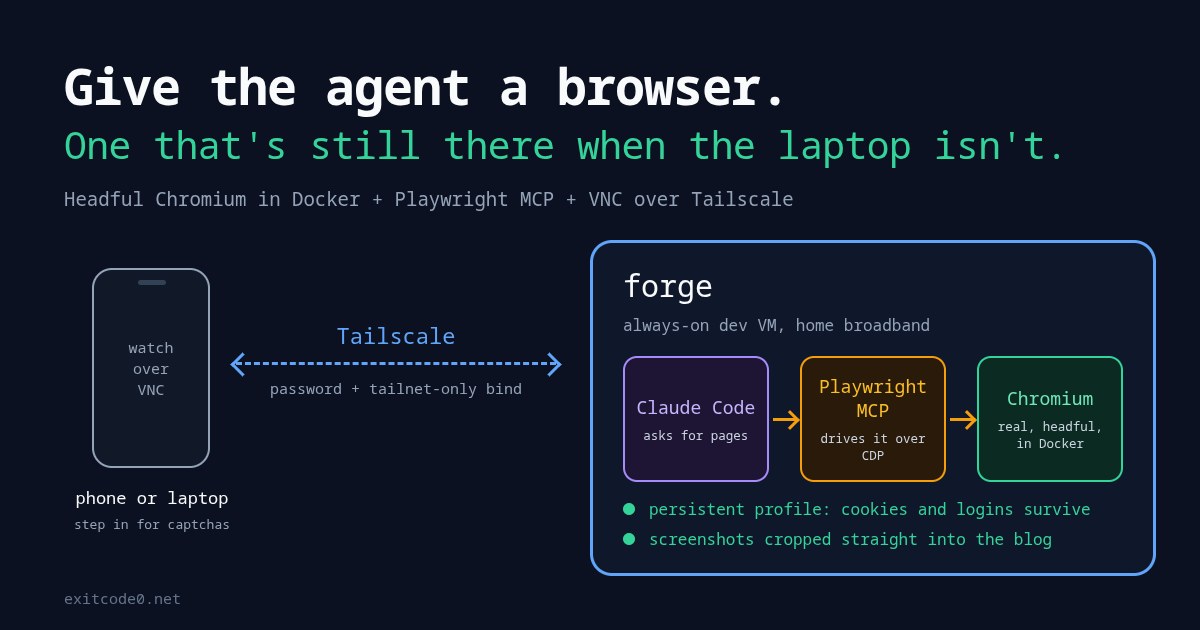
Diagram of a phone watching over VNC via Tailscale while Claude Code drives Playwright MCP and a Chromium container on an always-on dev VM

How to Give Claude Code a Real Browser: Headful Chromium in Docker with Playwright MCP

A couple of weeks ago I asked Claude, via the Chrome extension on my Windows laptop, to find me the best-value used M1 MacBook Air on eBay. It was properly good at it. It searched with sensible filters, opened listings, read the descriptions for battery cycle counts and “cracked screen” small print, and left the three best tabs open for me to look through. Then I tried to picture doing the same from my phone on a day I’ve left the laptop at home, talking to the agents on my always-on dev VM. There’s no browser there. Claude Code’s web fetch tool gets blocked or served a stripped-down page by most retailers, eBay included. So I gave the VM its own browser: a real, headful Chromium in a Docker container. Claude drives it through Playwright MCP, I can watch and take over from my phone over VNC, and it’ll crop screenshots straight into this blog. Every image in this post came out of it, the cover included. ...

September 25, 2026 · 16 min · Tom Cocking
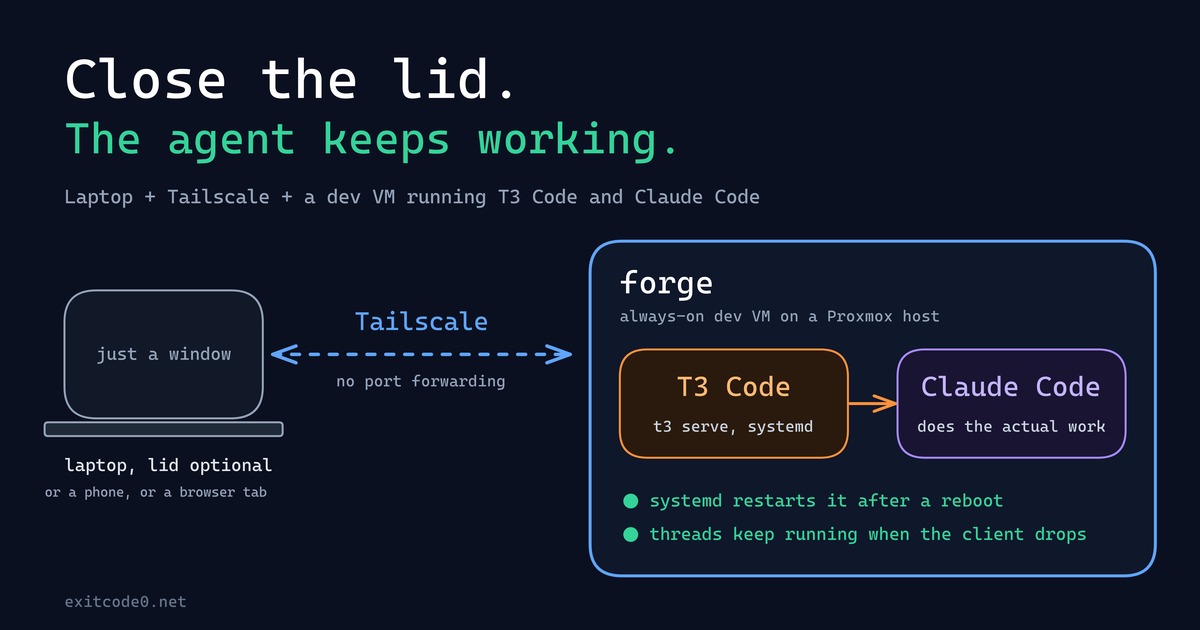
Diagram showing a laptop connecting over Tailscale to a persistent dev VM running T3 Code and Claude Code

How I Turned My Laptop Into a Dumb Terminal With a Tailscale Dev VM, T3 Code, and Claude Code

For about as long as I’ve been doing this, my laptop has been the computer: the IDE, the Docker daemon, forty browser tabs, all of it running locally, all of it dying the second the battery does or the lid has to close for a meeting. That model finally broke this year - not because of some clever trick, but because I moved the actual computer off the laptop entirely. The laptop’s job now is to open a window onto a machine that never sleeps, never loses its state, and honestly doesn’t care what OS it’s running. ...

September 24, 2026 · 9 min · Tom Cocking

Give Claude Code Eyes Inside Your WSL2 Docker Containers

If you run Docker inside WSL2 on Windows 11, you’ve probably hit this wall: you open a Claude Code session in Windows Terminal, something goes wrong with a container, and Claude starts asking “can you paste the logs?”. Every. Single. Time. It breaks the flow completely. The whole point of an agentic coding tool is that it should be able to diagnose problems itself, not act as a fancy chat window that waits for you to do the investigation manually. ...

April 23, 2026 · 8 min · Tom Cocking