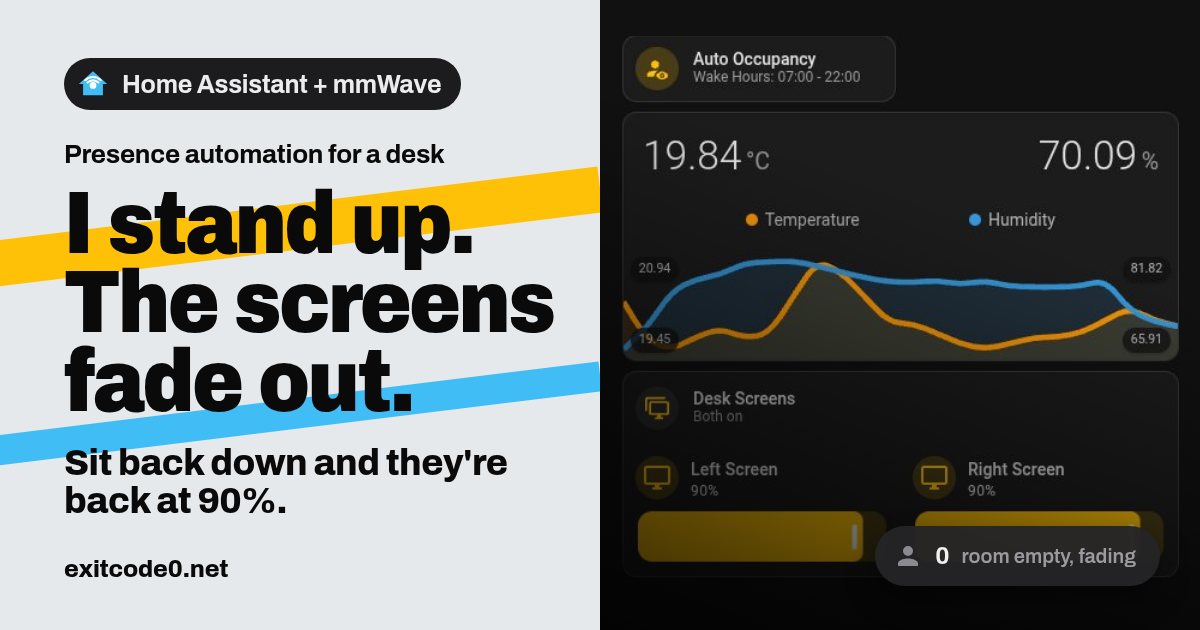
Social card reading 'I stand up. The screens fade out. Sit back down and they're back at 90%.' beside a dimmed Home Assistant dashboard showing an Auto Occupancy tile, two desk monitor sliders at 90% and an occupancy badge reading 0

Home Assistant Presence Sensor: Turn Monitors Off When You Leave the Desk

My study has five things that glow: two desk monitors, a wall-mounted dashboard screen, a strip light and a custom Home Assistant display frame I built from a cheap Android photo frame. Every time I got up to make a coffee, all five stayed on and lit an empty room. Now they notice I’ve gone. A minute after I stand up, everything fades down together, and when I sit back down it all comes back. Not at 3am, though. ...
November 12, 2026 · 17 min · Tom Cocking
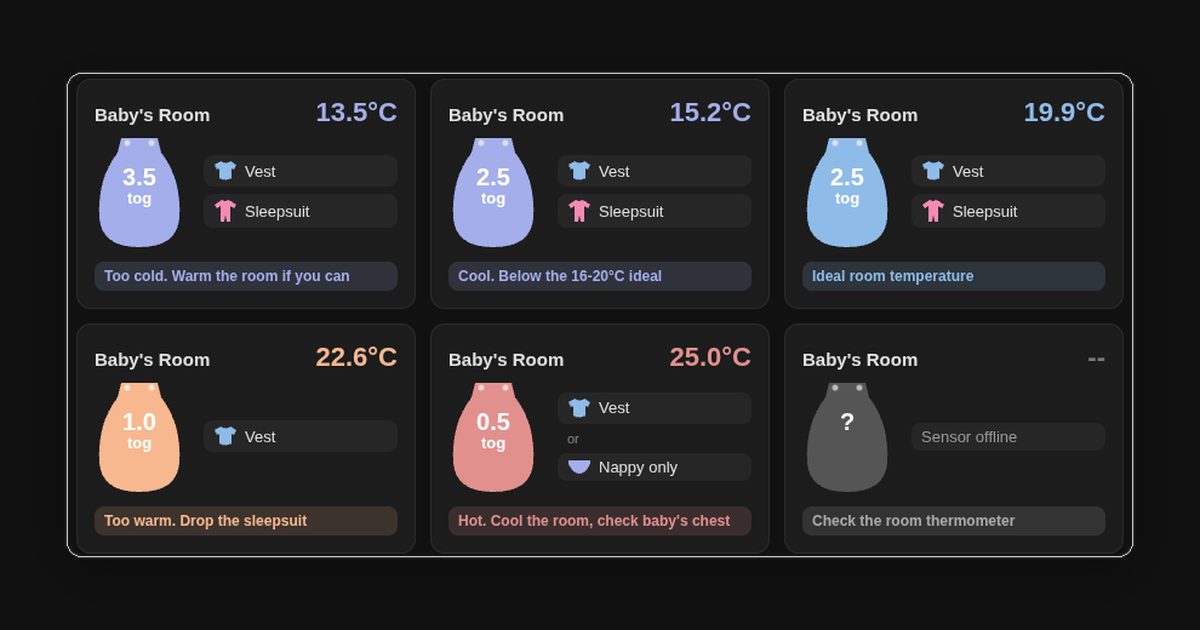
Six Home Assistant cards showing a sleeping bag icon with its tog rating, the clothes to wear under it, and a coloured status line for room temperatures from 13.5°C to 25°C

How to Build a Baby Sleep Tog Widget in Home Assistant with button-card

With a baby in the house, the question at bedtime is always the same: which sleeping bag, and what goes under it? The usual answer is a room thermometer and a tog chart, which means reading one, then looking up the other, often in the dark. Home Assistant already had a temperature sensor in every room, so I got it to do the lookup. The result is one card per room. It shows the temperature, a sleeping bag in the band’s colour with its tog on it, the clothes to put underneath, and a status line saying whether the room is in the safe range. It’s a single button-card template, so the temperature bands are defined once and every room uses them. ...

September 27, 2026 · 11 min · Tom Cocking