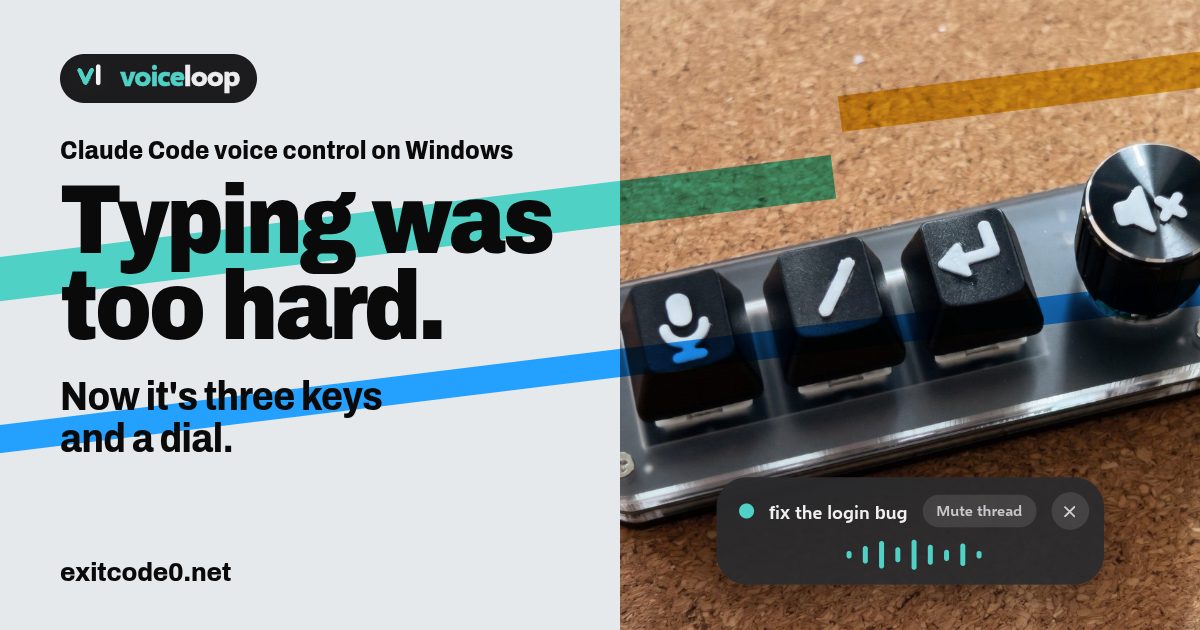
Social card reading 'Typing was too hard. Now it's three keys and a dial.' beside a photo of a 3-key macropad with a knob, its keys printed with microphone, slash and Enter symbols, and an on-screen pill showing voiceloop talking

Claude Code Voice Control on Windows: Dictate Prompts and Hear Replies Aloud

I run Claude Code on a dev VM and drive it from T3 Code on whatever I’m sat at. The dumb terminal post covers that setup. It works well until you have a few threads going, look away, and miss the one that’s been sitting on a question. So I wanted voice control in both directions: say the prompt, hear the reply. The catch is that Claude Code runs on a headless server, and the microphone and speakers are on my Windows PC. Claude Code’s own /voice needs a local microphone and only covers the talking-to-it half. I built the other half. voiceloop is a free, open-source Windows app that reads Claude Code’s replies aloud on your PC, wherever Claude Code is running. It lives at voiceloop.dev, with the code on GitHub. ...
November 10, 2026 · 13 min · Tom Cocking
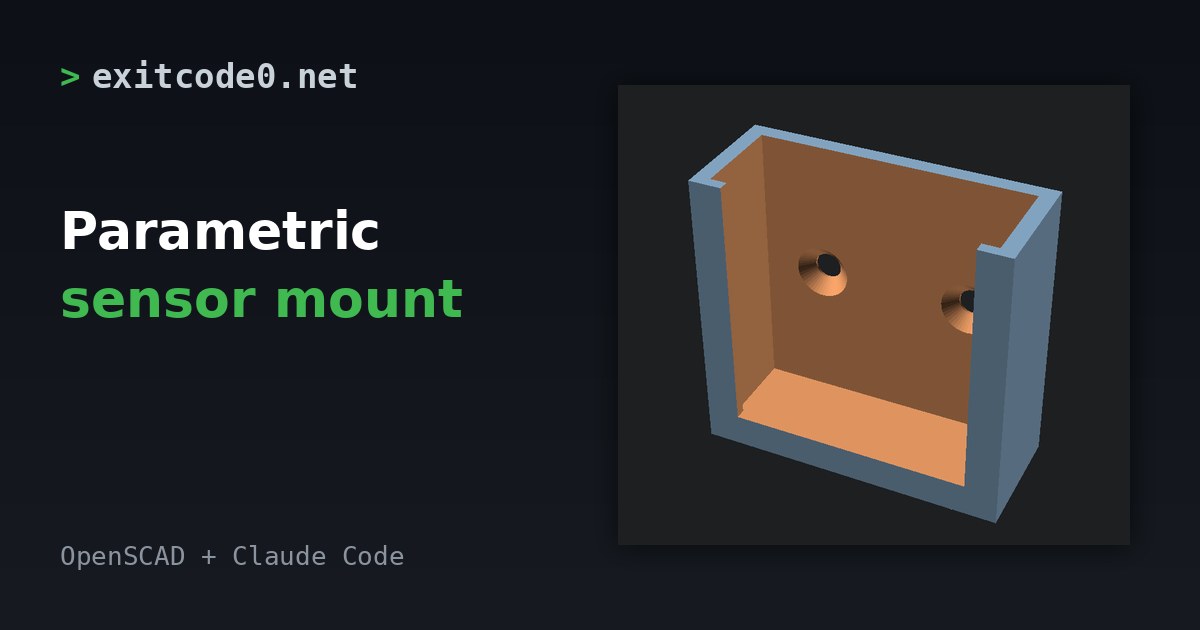
Rendered 3D model of a U-shaped wall bracket with two countersunk screw holes, next to the title Parametric sensor mount

Parametric Sensor Mount in OpenSCAD with Claude Code: A Home Assistant 3D Print

Small Zigbee and Bluetooth sensors tend to ship with a sticky pad and nothing else. The pad fails the first time you move house or the wall is cold and damp, and the sensor ends up behind the radiator. A printed bracket fixes that, but I’d rather not spend an evening in CAD for a plastic box. OpenSCAD is the opposite of CAD. The model is a text file, so Claude Code can write it, render it and check it in a loop. This post has the file I ended up with, the checks I ran, and the one that caught a mistake the obvious check missed. ...

October 27, 2026 · 6 min · Tom Cocking