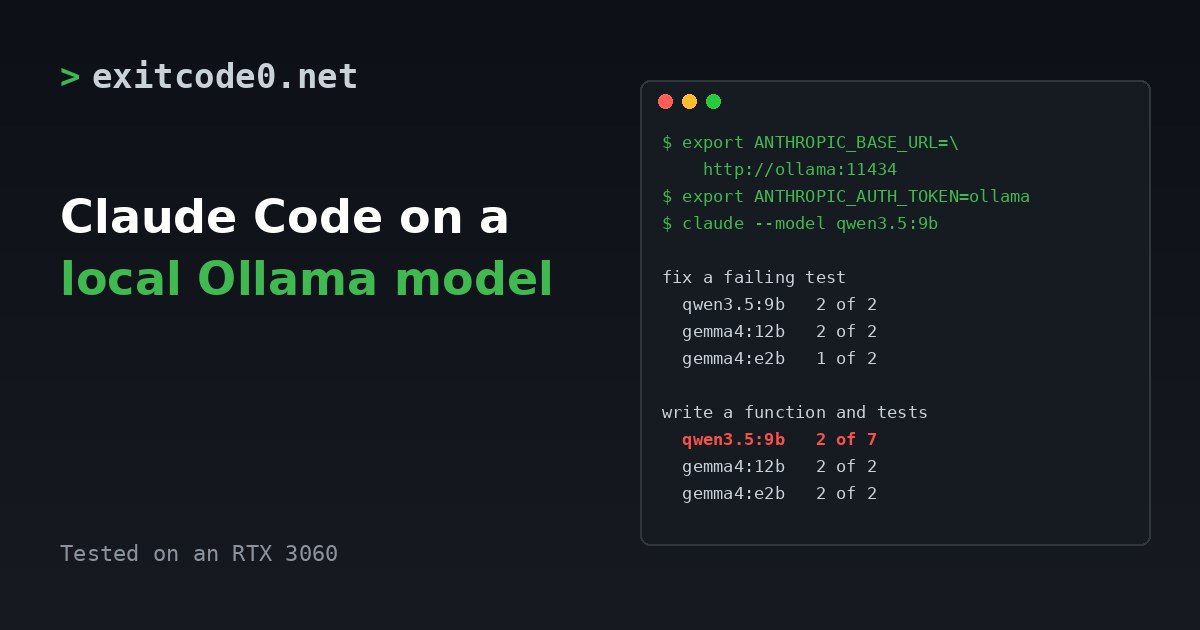
Claude Code speaks the Anthropic API. Ollama now speaks it too. Point one at the other with three environment variables and Claude Code runs against a model on your own GPU. No API key, no per-token bill, and the prompts stay on your network.
Whether it’s any good is a different question. I ran it against three models on an RTX 3060 with two small coding tasks each. One model did well at both. One was the best at one and the worst at the other. Treat what follows as a smoke test, not a benchmark, but the differences were big enough to matter.
The model server is the container from Ollama in a Proxmox LXC. My day-to-day Claude Code setup, which uses the real API, is in the dev VM post.
Setup
Ollama’s own docs give three variables. Set them in the shell that runs Claude Code:
export ANTHROPIC_BASE_URL=http://<ollama-host>:11434
export ANTHROPIC_AUTH_TOKEN=ollama
export ANTHROPIC_API_KEY=""
claude --model qwen3.5:9b
From another machine, use the LAN address, or the tailnet name if the container has joined your tailnet, as in the Ollama post (http://ollama-lxc:11434 with the hostname used there). I ran my tests over the LAN.
ANTHROPIC_AUTH_TOKEN can be any string. Ollama doesn’t check it, but Claude Code wants something there. Leave ANTHROPIC_API_KEY empty so it doesn’t try to use a real key.
Claude Code can also make small background requests under a different model name. I pointed all three of its model aliases at the local model so none of them asked for a Claude name Ollama doesn’t have:
export ANTHROPIC_DEFAULT_HAIKU_MODEL=qwen3.5:9b
export ANTHROPIC_DEFAULT_SONNET_MODEL=qwen3.5:9b
export ANTHROPIC_DEFAULT_OPUS_MODEL=qwen3.5:9b
I haven’t tested what happens if you leave those out.
Ollama also has ollama launch claude, which sets this up for you. I haven’t used it. I used the variables above because they show what’s going on.
Pick a model that supports tools. ollama show <model> lists tools under Capabilities if it does. All three below do.
Context length
Claude Code sends a lot before you’ve typed anything. My first test was “List the files in this directory and tell me in one sentence what each one is for.” That request carried about 15,000 input tokens. It’s Claude Code’s own instructions and tool definitions.
Ollama’s docs say to use a 64k context or more for larger repositories. My server defaults to 32,768, and ollama ps showed that value while Claude Code ran, so that’s what these tests used. They were small projects. A real repository would need the bigger window.
Set it on the server with OLLAMA_CONTEXT_LENGTH, in a systemd drop-in if Ollama runs as a service. A bigger window costs VRAM, so check ollama ps afterwards.
How I tested it
I wanted a run I could repeat and judge by the files, not by what the model said:
- A throwaway directory with a tiny
calc.pycontaining an off-by-one bug and atest_calc.pywith three tests, two of which fail because of it. - A fresh copy of that directory for every run.
- A separate Claude Code config directory (
CLAUDE_CONFIG_DIR), so nothing from my own setup leaked in. claude -pfor a single non-interactive prompt, with--allowedToolslimited to Read, Edit, Write,Bash(python3 *)andBash(ls*).timeout 600around every run. You’ll see why.
Two tasks:
- Fix a failing test. “The tests in this directory are failing. Run them, work out why, fix the code (not the tests), and run them again to confirm.” I passed it if the tests passed and
test_calc.pywas unchanged. - Write a function and tests. “Add a function slugify(text) in a new file text_utils.py that lowercases the text, replaces runs of non-alphanumeric characters with a single hyphen and strips leading and trailing hyphens. Write unit tests for it in test_text_utils.py and run all the tests.” This one started from a project whose tests passed. I passed it if the function handled my three edge cases, the model’s own tests passed with at least three of them, and
calc.pywas untouched.
Results
| Model | Fix a failing test | Write a function and tests |
|---|---|---|
| gemma4:12b | 2 of 2 | 2 of 2 |
| gemma4:e2b | 1 of 2 | 2 of 2 |
| qwen3.5:9b | 2 of 2 | 2 of 7 |
Most successful runs took 26 to 123 seconds, so a fix like this lands in about a minute. The exception was a 355 second run, covered below. The fix-a-test task took 7 turns on both gemma4 models and 14 to 15 on qwen3.5:9b.
The sample is tiny. Two runs of each, except qwen3.5:9b on task 2, where I kept going because the early results looked odd. The ranking isn’t something I’d defend to the decimal. The pattern is the point.
It’s also not the ranking from my Home Assistant test, where qwen3.5:9b passed every command and gemma4:e2b failed most. A model that’s the best at one job isn’t automatically the best at another, and the smallest one was fine at writing code here.
Why qwen3.5:9b missed on task 2
Of its five misses I could pin down four:
- Twice, it wrote tests that import
pytest. The project usesunittestandpytestisn’t installed, so the tests couldn’t run. - Twice, the function itself gave the wrong answer on my edge case
' --A b__c-- ', which should givea-b-c. In one of those runs the model’s own tests caught it, withAssertionError: '' != 'hello-world'.
The fifth I didn’t diagnose.
What went wrong
It says it’s finished when it isn’t
Two of the failed task-2 runs ended with “I’ve created both files” and a bulleted summary, even though the tests it wrote couldn’t run. I didn’t read every word of those summaries, but the opening lines said what it had made, not what had broken. If you use a model like this, run the tests yourself. I wrote about the same trap with cheap subagents in checking a Claude Code subagent’s research.
Slow runs are a model problem, not an Ollama one
Two qwen3.5:9b runs were far slower than the rest. One took 355 seconds, 97 turns and about 14,000 output tokens before it passed. Another, in an early run I discarded because my test project was set up wrong, ran for 8 minutes and then died with API Error: Claude's response exceeded the 32000 output token maximum. The model had kept generating.
Ollama was fine. After the batch finished, the server was healthy and the GPU was idle. If a run seems to be hanging, it’s probably the model going round in circles. Put a timeout around unattended runs.
-p denies anything you haven’t allowed
In non-interactive mode, a tool call outside --allowedTools is refused. The model doesn’t always handle that gracefully. One run’s final message was “You declined running the tests. Would you like me to run them with -I…”, because it had tried a command I hadn’t allowed. Allow what the task needs, nothing more, and check for this when a run ends early.
The cost figure is invented
The JSON output includes total_cost_usd. For my first test it said $0.09, which is Claude Code guessing a price for a model it has no price for. The real cost is electricity. Ignore the field.
Smaller noise
- With no stdin attached,
claude -pwaits three seconds and warnsno stdin data received. Add< /dev/null. - It logs an
unrecognized_modelmessage for local model names. It carried on anyway.
Should you use it
For small, well-defined jobs on a repo you don’t mind a model fumbling in, yes. It’s free to run, private, and a bug fix took about a minute.
I wouldn’t use it for anything that needs reliable judgement, and the false “finished” summaries are the reason. I’d still use the real API for serious work. The local model is the cheap pair of hands for volume, and the real one is for decisions.
I didn’t compare against Claude on the API, so I can’t tell you the size of the gap.
Wrap-up
What I’d try next is the same two tasks with a 64k context and a bigger model, and a real repository instead of a five-line one. The setup is quick enough that you can find out for yourself in ten minutes.
Or just hand this page to your agent
Don’t point an agent at your real repo on a first run. Give it the page and a throwaway directory:
Read https://exitcode0.net/posts/claude-code-local-ollama-model-anthropic-api/ and set up a test of Claude Code against my local Ollama server. Before running anything, check that the Ollama server is reachable, which models it has pulled, whether they list tools in their capabilities, and what context length it uses. Use a throwaway directory and a separate CLAUDE_CONFIG_DIR. Allow only the tools the page lists, and wrap runs in a timeout. After each run, check the files and run the tests yourself instead of trusting the summary. Don't touch any of my real repositories.
The page gives the agent the variables, the test method and the failure modes. Only you know where Ollama runs and which models you’ve pulled.
Enjoy. ✌️